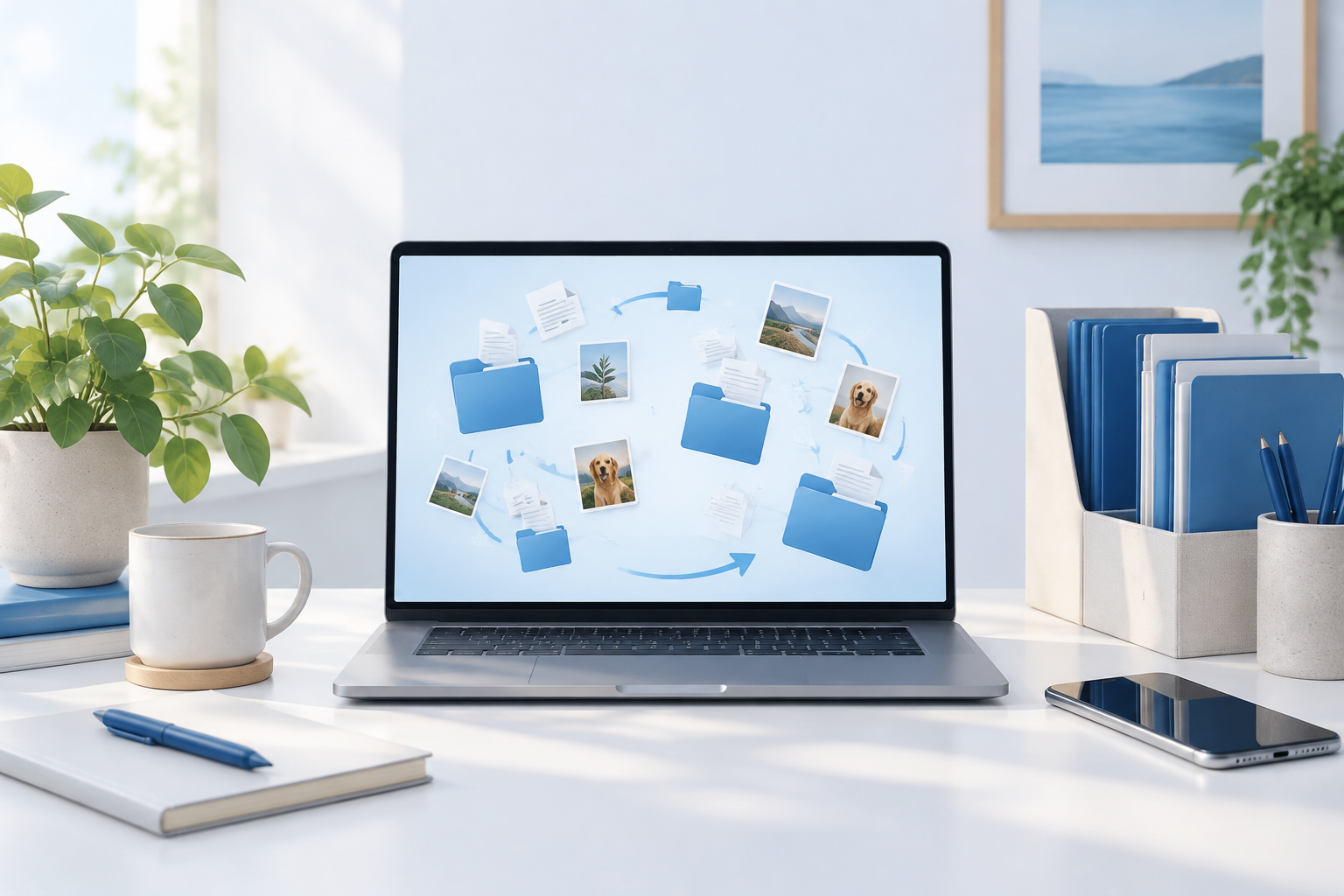
You clear your desktop, sort a batch of photos, and finally get your inbox under control. For a while, finding things feels easier. Then downloads pile up, screenshots mingle with family photos, and important messages disappear beneath everything arriving next.
If digital clutter keeps coming back, it usually means the cleanup changed what you could see without changing how things arrive, where they belong, or what happens next.
That is not a character flaw. A system that takes too much effort to use will eventually get skipped, especially during a busy week. Lasting organization starts with understanding those everyday friction points—not building a more impressive folder tree.
A cleanup fixes the pile, not the pattern
Digital clutter has two parts: the backlog you already have and the stream of new material coming in. A big sorting session can reduce the backlog while leaving the incoming stream untouched.
Think about a receipt that arrives by email. You leave it unread so you will remember to check it. Later, you download a copy, then save another copy to your cloud drive because you cannot remember where the first one went. One small task has created several places to check.
The problem is not necessarily that you save too much. It may be that saving, acting, and storing have become tangled together.
Before your next cleanup, notice one recurring pile. Ask what puts things there and what makes them stay. That observation is often more useful than another round of mass deletion.
Small habits make sense—until they accumulate
Most clutter-producing habits solve an immediate problem. Saving to the desktop is quick. Taking a screenshot preserves something you cannot deal with yet. Keeping an email feels safer than deciding whether you need it.
Those choices are understandable. Trouble starts when a temporary choice becomes permanent:
“I’ll deal with it later” has no next step. Downloads and screenshots become an unmarked task list.
You save wherever the app suggests. Related files end up spread across devices and accounts.
You keep copies for reassurance. Different versions accumulate without a clear indication of which is current.
Your categories require too much thought. If every document could belong in several folders, filing becomes a decision you postpone.
You do not need to stop every habit at once. Pick the one that causes the most repeated searching or uncertainty. A useful change makes that particular moment easier, rather than asking you to become a different person.
The hidden costs show up between tasks
Digital clutter rarely announces its full cost. It takes small pieces of attention throughout the day.
You search for an attachment, open the wrong version, check another account, and ask someone to resend it. The task itself may be simple; locating what you need becomes the work.
There is also the stress of not quite trusting your setup. An overflowing inbox can leave you wondering whether something important is buried. A crowded photo library can turn choosing a favorite picture into a chore. Files scattered across cloud drives can make even a routine appointment feel harder to prepare for.
Some consequences are financial. A bill can get lost among promotional messages. A renewal notice can arrive in an account you rarely check. Keeping every email does not guarantee that you will see the ones requiring action.
If you suspect a payment or renewal needs attention, check directly through the provider’s official website or app. Do not wait until your inbox is organized to address a time-sensitive obligation.
Start with one frustrating moment
“Organize my digital life” is too broad to guide an ordinary afternoon. A smaller goal gives you something concrete to improve.
Try identifying one moment you want to change:
Name the situation. For example: “I cannot find the documents I need before appointments.”
Notice the current route. Do those documents arrive through email, downloads, a portal, or someone else’s shared folder?
Choose one adjustment to test. That might be a clearly named home for those documents or a consistent filename you would naturally search for.
Keep the experiment narrow. You are learning what works before applying it to everything you own.
If you are still unsure where to start, you can take the 2-minute organization test or book a free 20-minute discovery call with a digital organizing consultant at Tidy Haus. The call helps turn your specific sticking points into a clear plan that fits your pace and resources—one you can use with Tidy Haus or without us.
A tailored plan fits the way you actually work
A folder structure that works beautifully for someone else may be a poor fit for you. They might work from one computer while you move between a phone, a shared laptop, and several cloud accounts.
Your responsibilities matter, too. Managing household paperwork is different from delivering client projects. A shared family photo collection needs different decisions from a personal archive.
A tailored plan takes those differences seriously. It considers where information enters your life, who needs access, what needs action, and how you tend to look for things later.
It also separates tasks that are often bundled together. Finding important documents, identifying duplicates, reducing unwanted email, and protecting photos are not the same job. They do not all need to happen at once.
Hands-on organizing help is useful when those decisions overlap. Instead of forcing everything into a standard template, you can work toward a setup that reduces your actual points of friction.
Make room without rushing risky decisions
The urge to get a clean slate can lead to deleting too quickly. Before removing files or photos, check where they are stored and whether changes sync across your devices. Deleting something from a synced collection may remove it elsewhere, too.
For important material, confirm that you have a separate backup and can access it before making large changes. A second view of the same synced library is not necessarily a separate backup.
With shared files, check who owns them and who relies on them before moving or deleting anything. When you are uncertain, leave the item in place until you understand the consequences.
Feeling organized should come from knowing what you have and where it belongs—not simply seeing fewer items on screen.
Judge the system by an ordinary busy week
The most useful benefits of organizing are often quiet. You find a document without retracing your steps. You know which version to send. You see a bill while there is still time to act. You can enjoy your photos instead of immediately thinking about sorting them.
Those are better measures of success than an empty inbox or a spotless desktop.
Watch what happens when life gets busy again. If one folder repeatedly becomes a dumping ground, its purpose may be unclear. If filing takes too many decisions, simplify the choices. If something important still gets missed, it may need a visible reminder rather than another storage location.
Some clutter will return because new information keeps arriving. A workable system gives it a predictable next step—and gives you a manageable way back when you fall behind.
Still struggling? Let's find your next step
You don't have to figure everything out alone. Take our 2-minute organization test, or book a free 20-minute discovery call with Tidy Haus.
Here is what you get from your discovery call:
20 minutes with a digital organizing consultant, at no cost to you.
A plan/proposal with solutions for moving forward that you can use with Tidy Haus or without us.
A couple of hints or quick fixes we can show you on the call.
A clear, coherent and organized plan for moving forward at your pace, with your resources.
Book your free discovery call and let's work out a way forward that fits you.