

How to keep shared family files organized
Organize family digital files with simple folders, clear sharing rules, and a small shared habit so everyone can find the documents they need.
How to clean up your iCloud storage: a professional organizer’s guide
Learn how to clean up iCloud storage safely, protect your photos and backups, and decide what to delete, keep, or organize with hands-on support.
What a professional digital organizer does for you
See what a professional digital organizer does, how remote sessions work, and how to choose help for your files, email, photos, passwords and habits.

Photo Organizing Software: Can They Do What You Hope They Can Do?
What Apple Photos, Google Photos, Lightroom and Microsoft Photos can do for a large photo collection, what no app can do for you, and how to tell when it is time to bring in a person.

Discover the Ultimate Method to Organize Your Computer Files
The best way to organize your computer files is a simple folder method you can keep up: gather everything, set up a few main folders, name files by date, sort in short sessions and keep a five-minute weekly habit.
When duplicate files become a bigger problem
Learn how to deal with duplicate files, tell extra copies from important versions, and reduce confusion without risking your documents or photos.
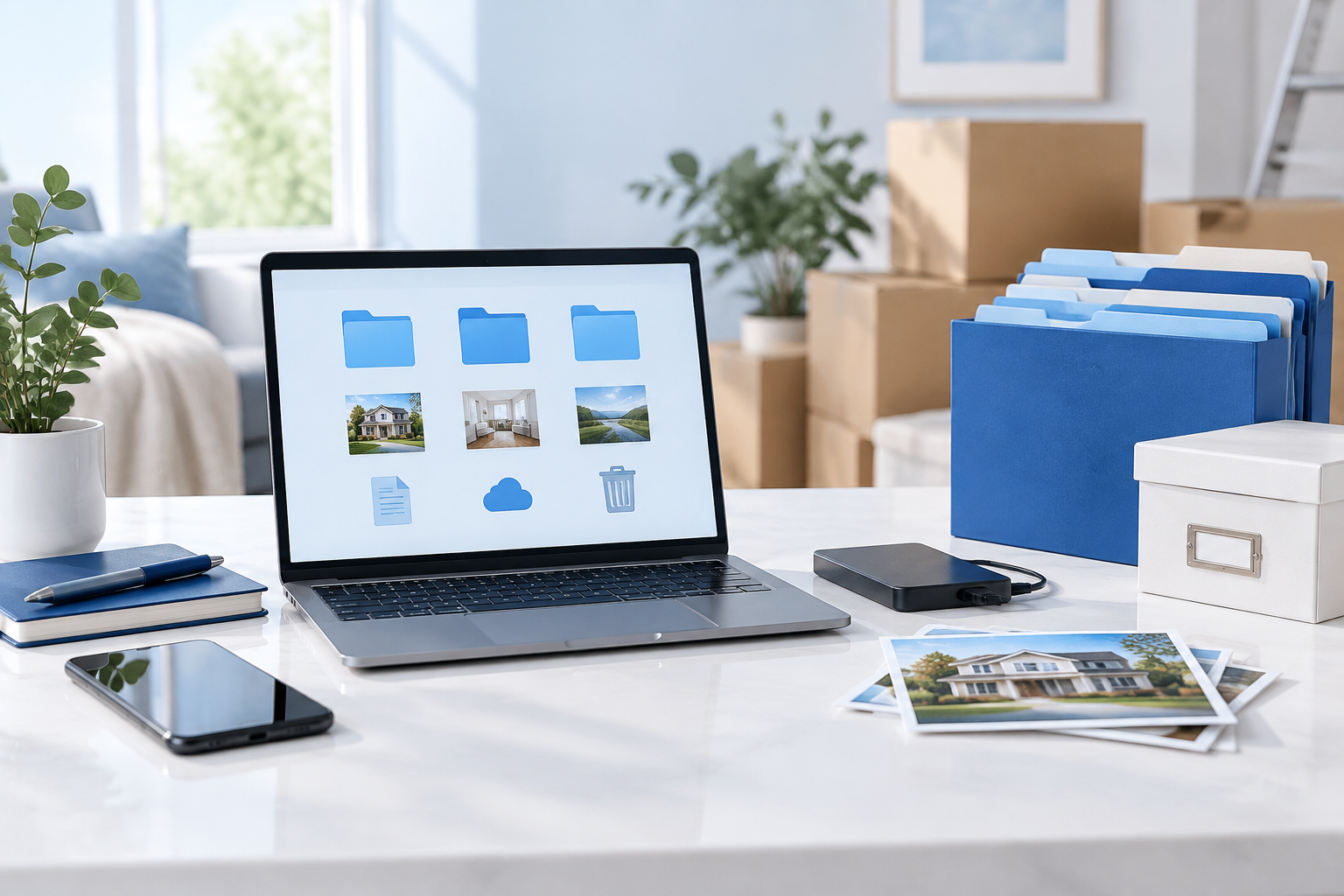
Digital decluttering before you sell your home or move
Selling your home or moving? Back up photos, files and important papers, and prepare old devices for safe resale with hands-on digital organizing.
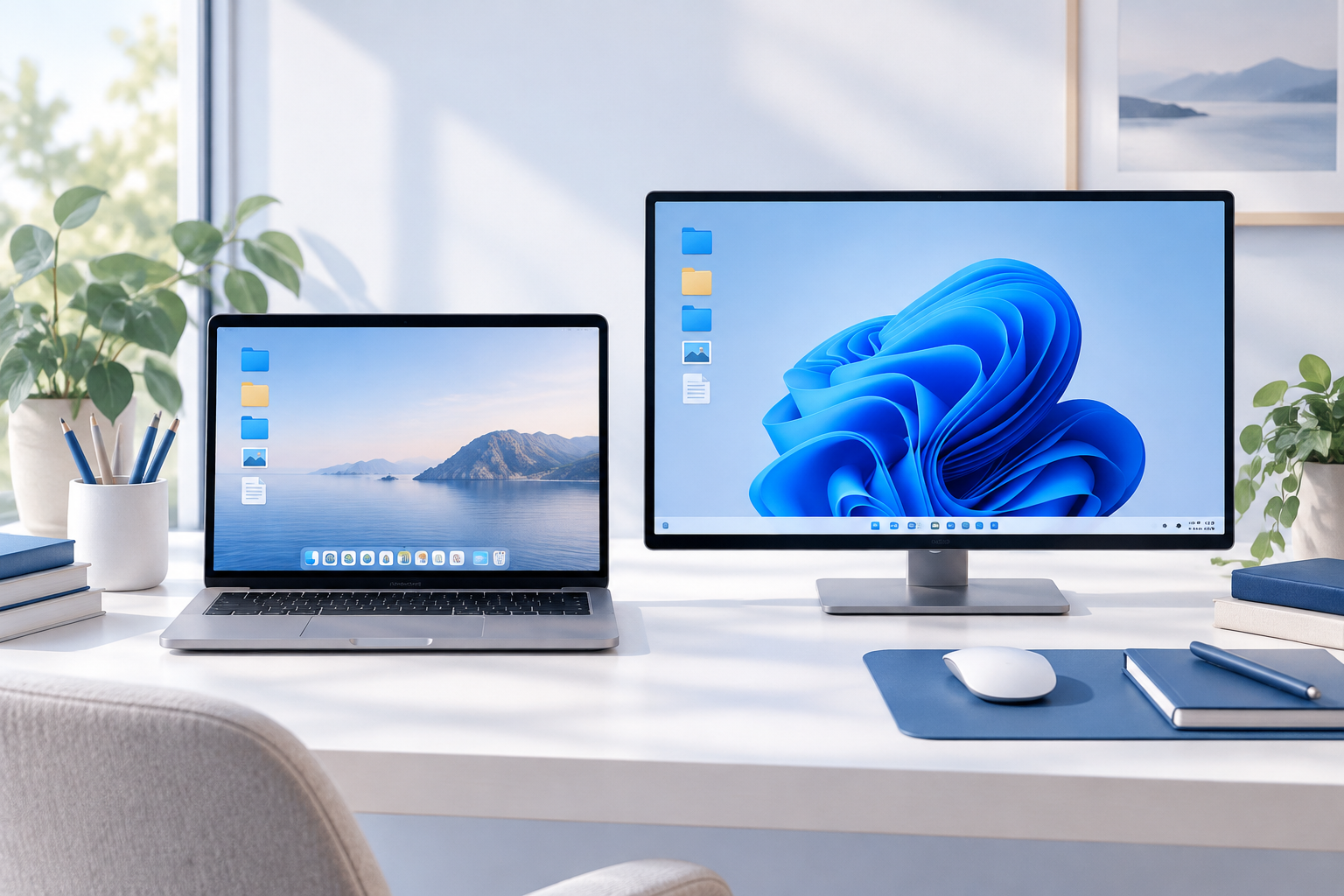
How to clear a cluttered computer desktop: a 4-step reset for Mac and Windows
Clean up your computer desktop with a simple Mac and Windows reset. Sort current files, reduce visual clutter, and build a manageable weekly habit.
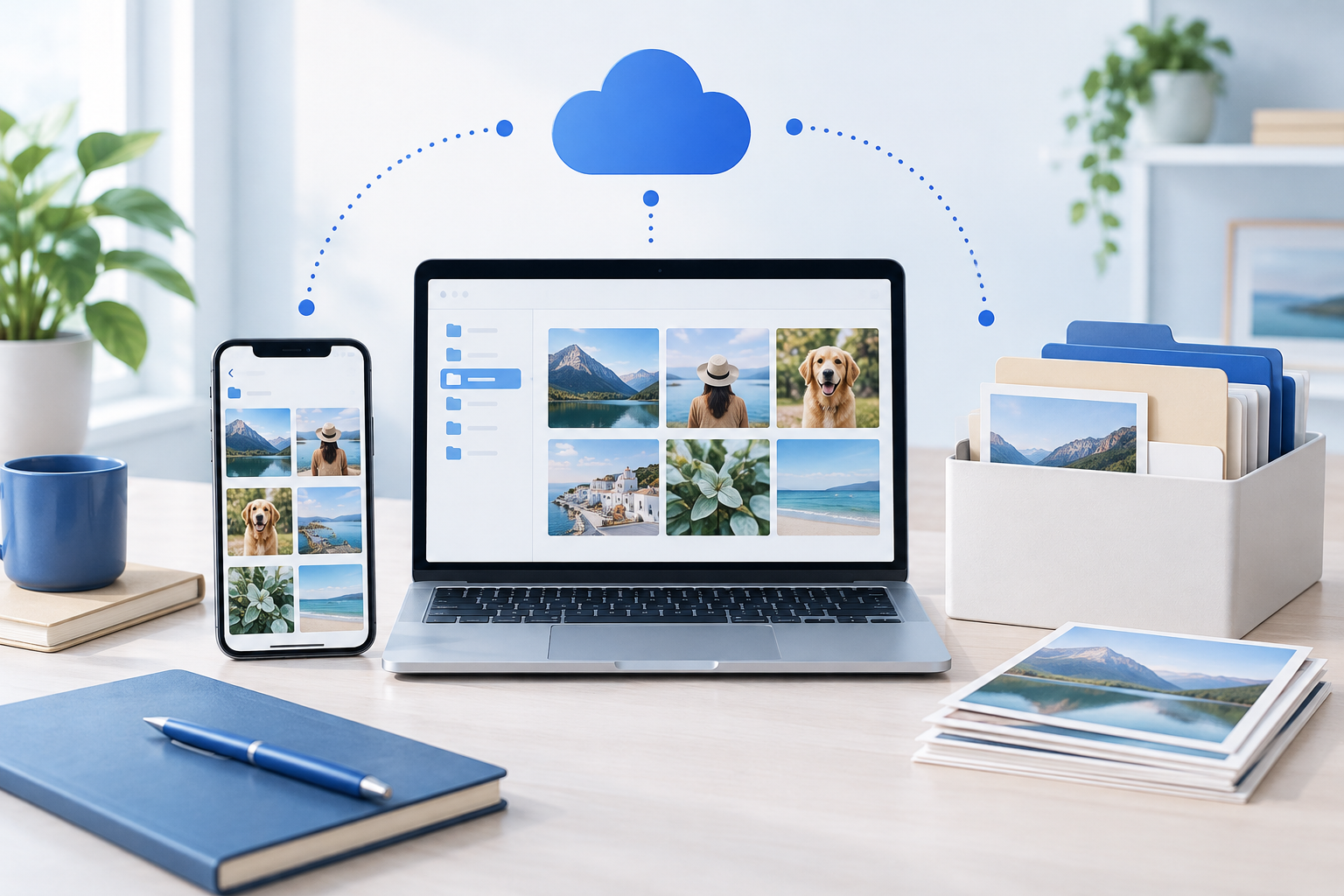
How to manage photos spread across your phone, computer and cloud: a 5-step plan
Manage photos across several services by finding every source, choosing one library, copying photos in, checking duplicates and keeping a separate backup.
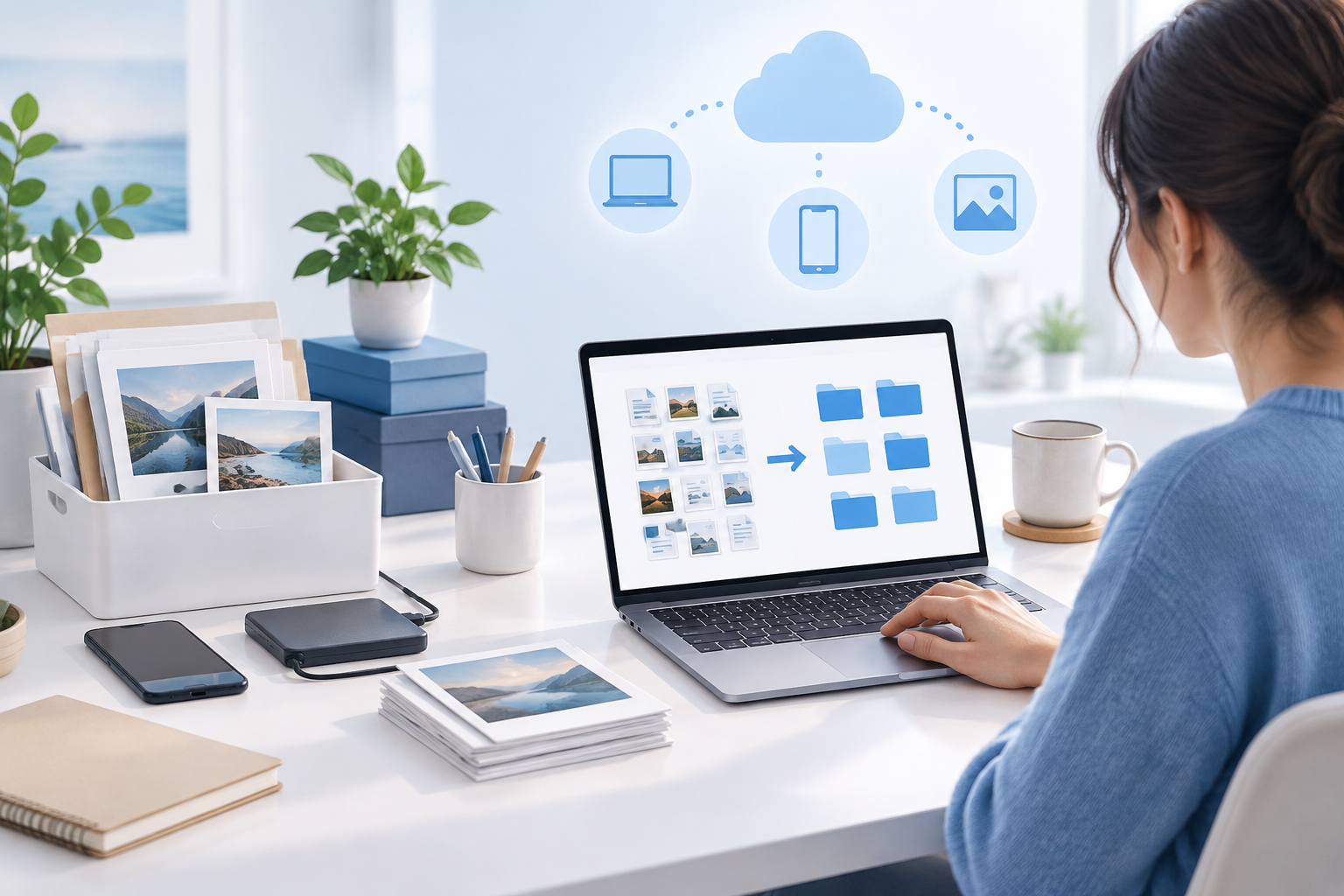
What a digital decluttering service does, and when it is worth hiring one
Learn what a digital decluttering service does, what happens in a session, and how to choose an organizer when files, photos and email feel overwhelming.
How to find important documents when you need them
Organize important digital documents without tackling every file. Find scattered records, choose a manageable starting point, and make retrieval easier.
How to organize files on your Mac
Learn how to organize files on your Mac with Finder folders, tags, Stacks and Smart Folders, and build a simple system that fits the way you work.
How to organize email without starting over
Learn how to organize email without starting over. Find a small first step, make Gmail labels and filters work for you, and get personalized support.
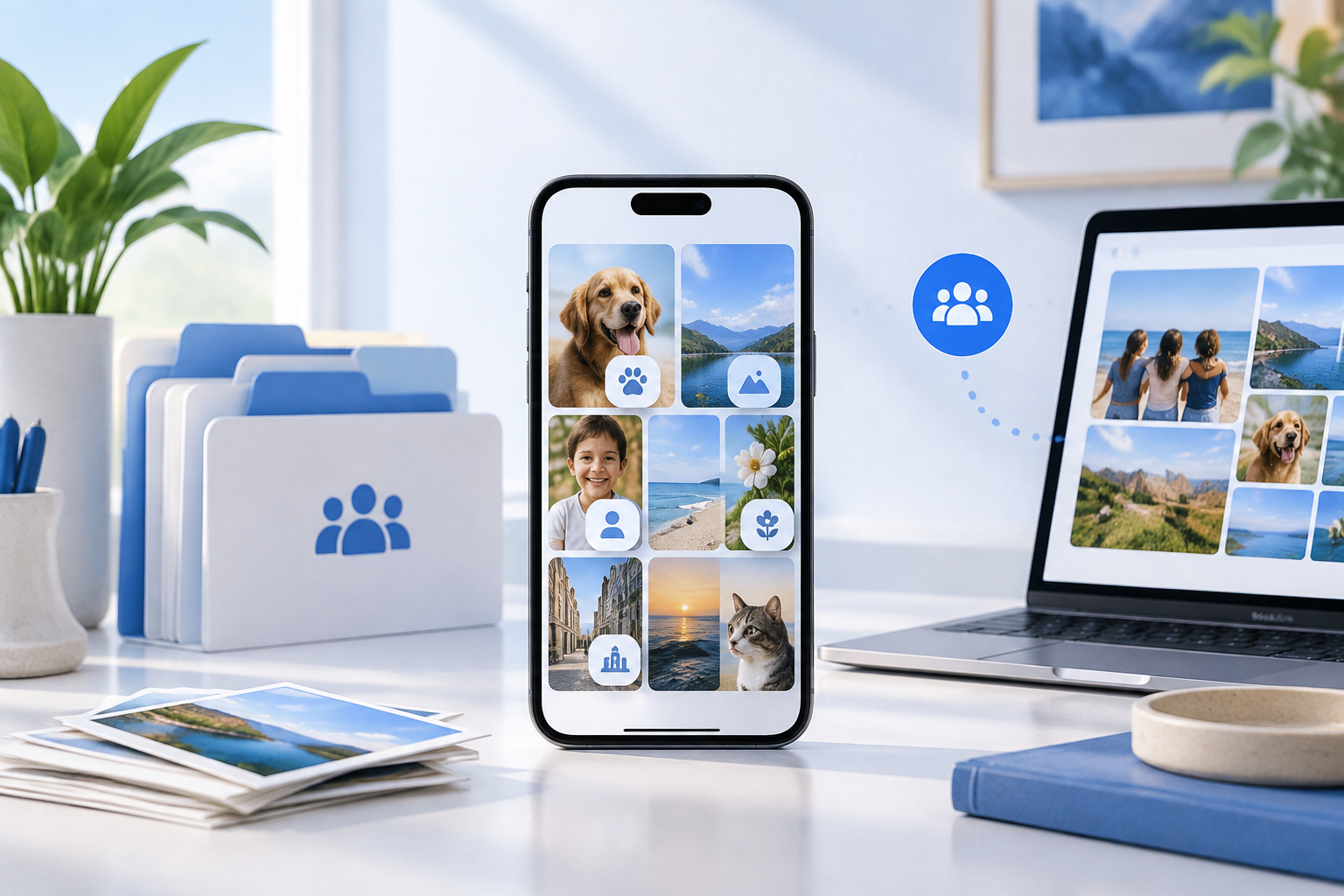
What’s new in Apple Photos with iOS 27.2: Shared Album fixes and AI photo labels
See what iOS 27.2 changes in Apple Photos, from Shared Album fixes to SynthID labels, and what these updates mean for your family’s photo library.
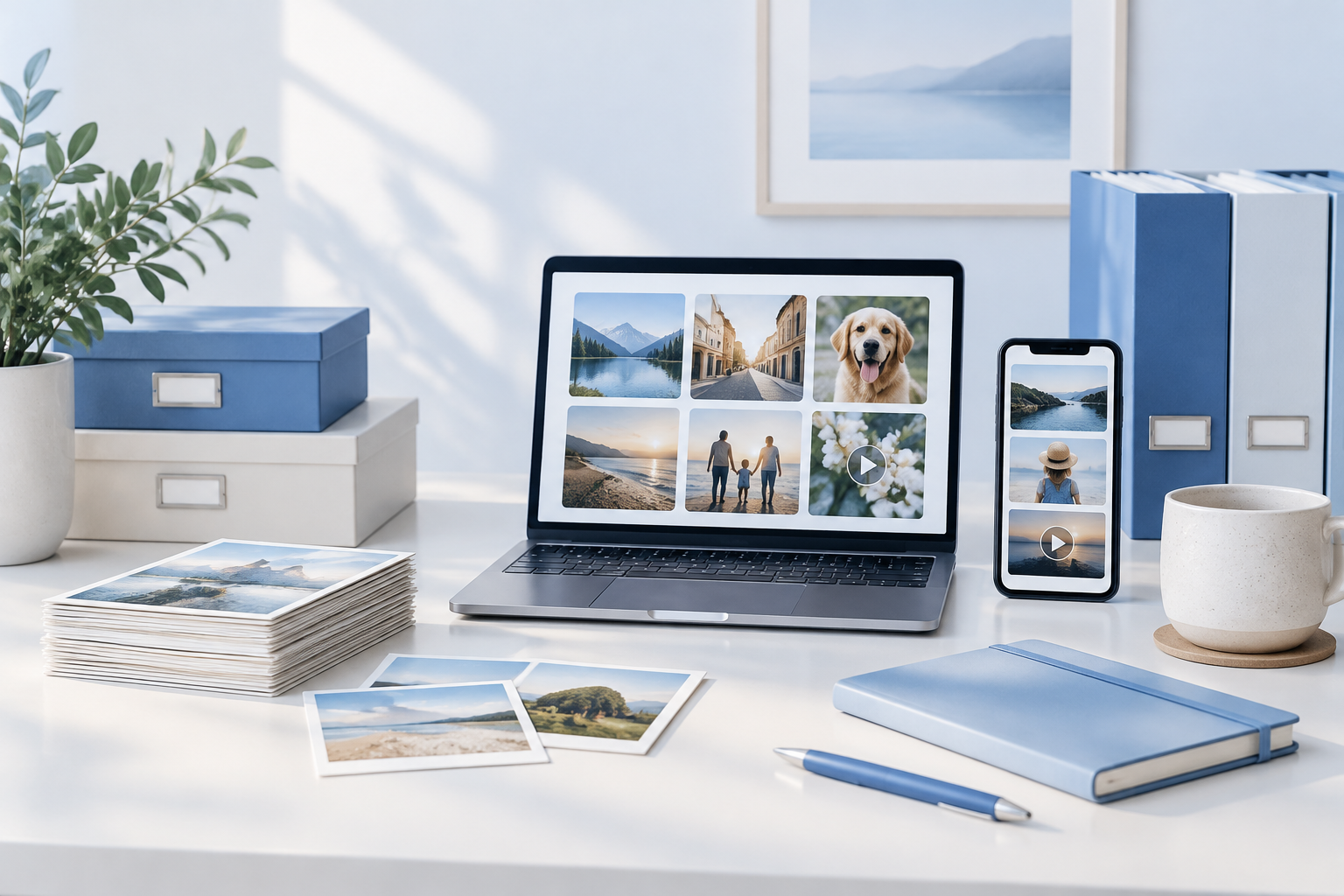
How many photos and videos should you actually keep?
Wondering how many photos to keep? Use a simple keep-or-let-go rule to reduce photo and video clutter without losing the memories that matter most.
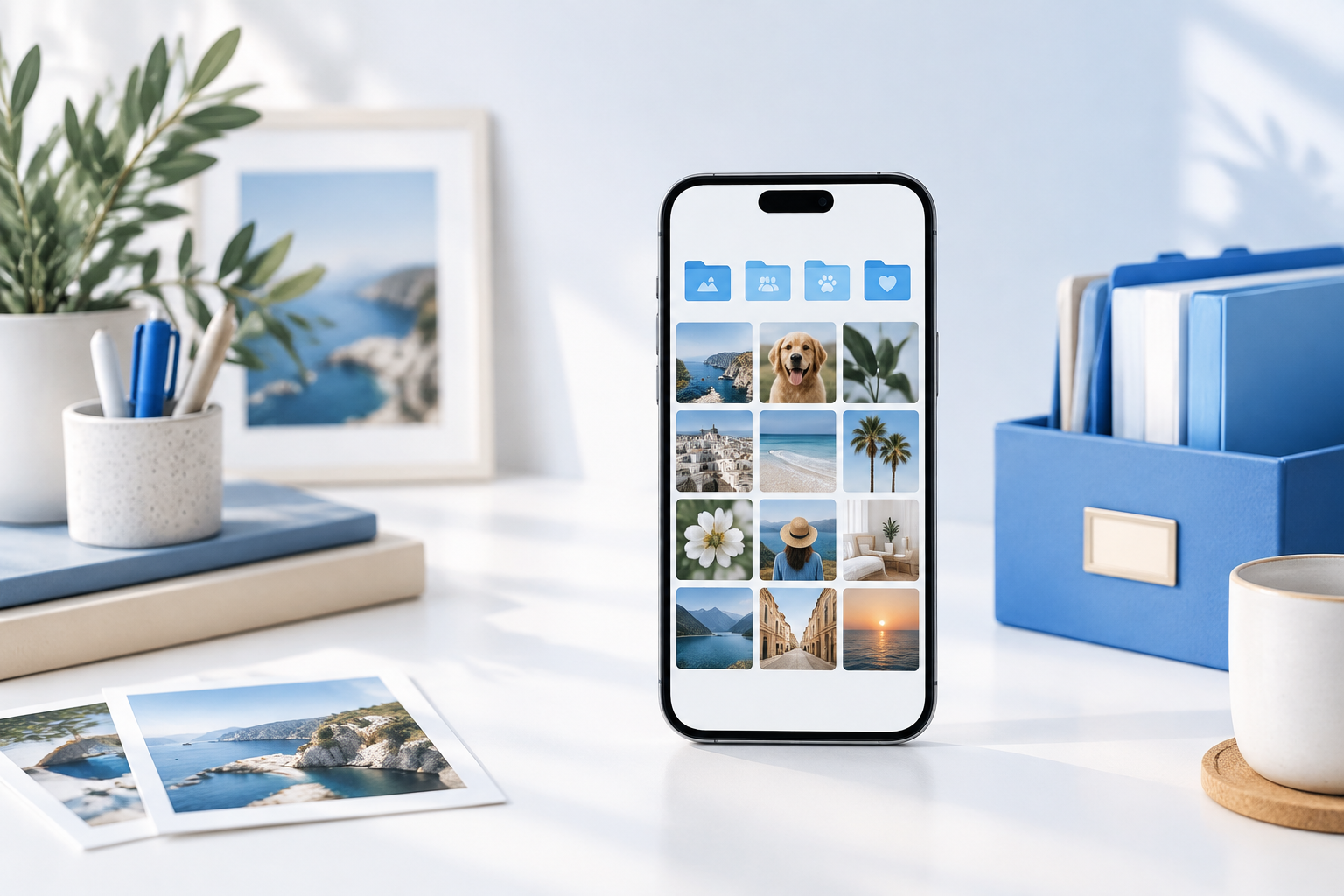
How to organize photos on your iPhone
Organize photos on your iPhone with simple album habits, safer duplicate cleanup, screenshot sorting, and a clearer plan for managing iCloud storage.
What your Inbox Chaos Score means
Understand what your inbox chaos score means, find a manageable next step, and see how a free discovery call can help you plan a calmer inbox.
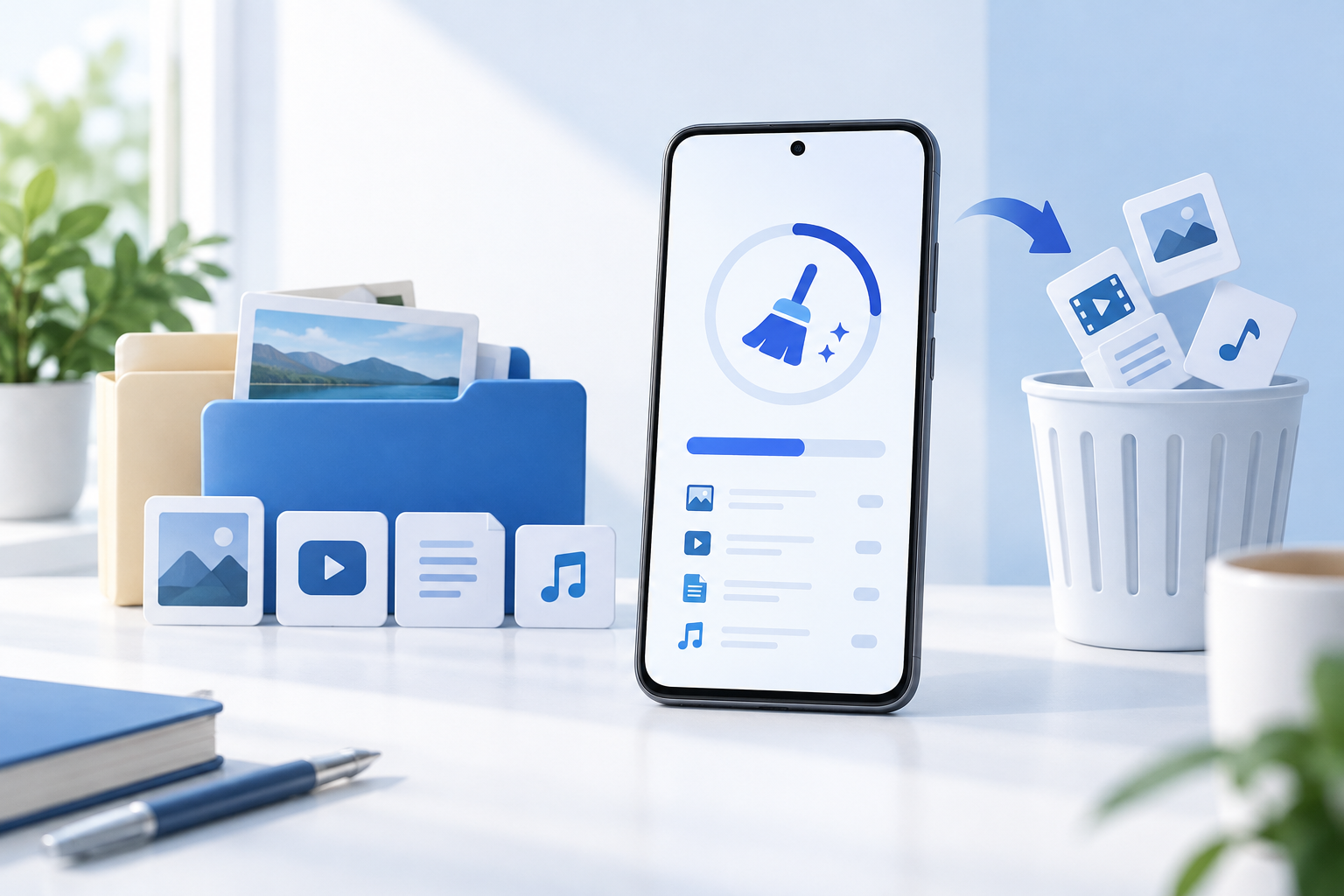
How to clean up your Android phone storage
Clean up Android phone storage with Files by Google, safer cache clearing, photo backup checks, and a manageable approach to downloads and clutter.
How to finally declutter your downloads folder
Organize your downloads folder with a weekly sweep for installers, duplicates and screenshots. Learn what to keep, move or delete without overthinking.
How to name files so you can find them again
Learn how to name files with clear dates, useful descriptions, and simple versions, plus when folders work better than search for finding your work.